Build the impossible, simply.
Describe a game, an app or a document. The QtecX agent plans the work, builds it in front of you and proves it works. In the desktop app it works in your own folders; on the web it is a chat that researches and writes.
Windows now. macOS and Linux are coming. Version 0.1.11
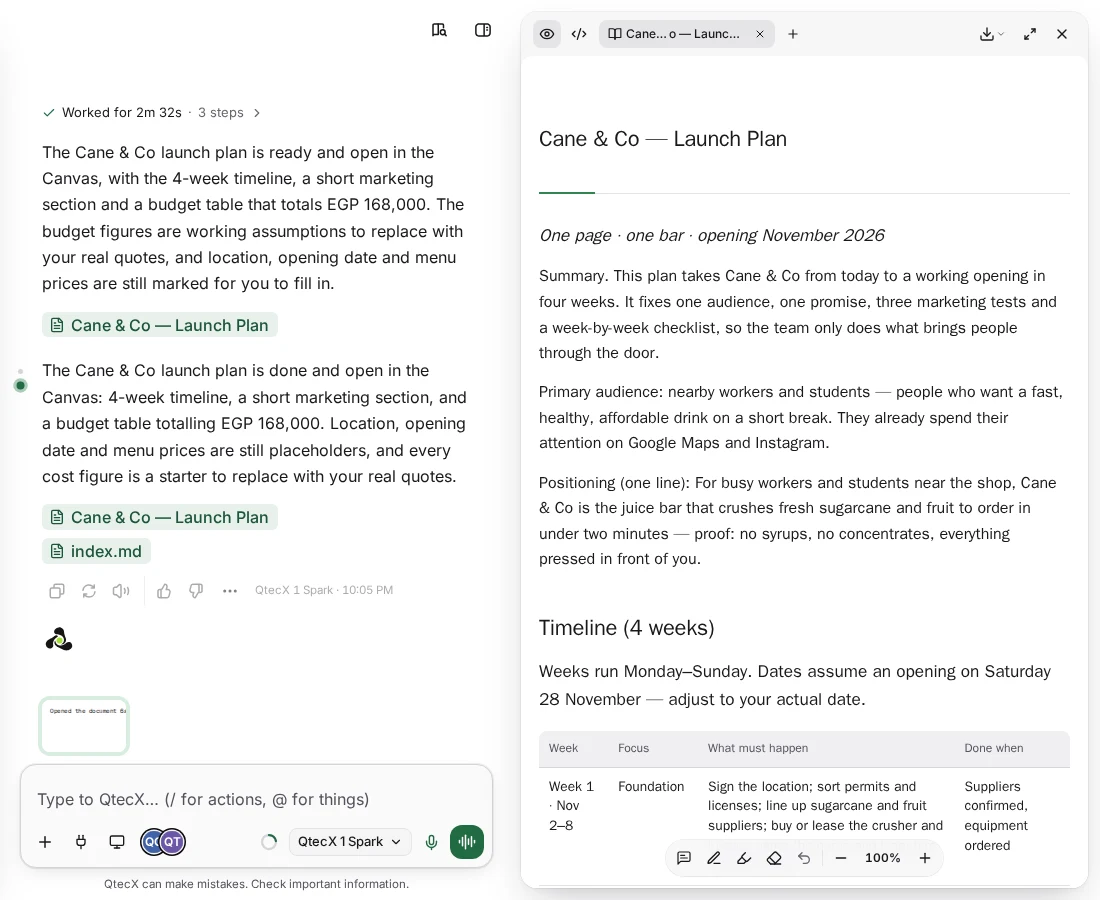
The agent
Documents that are ready to use
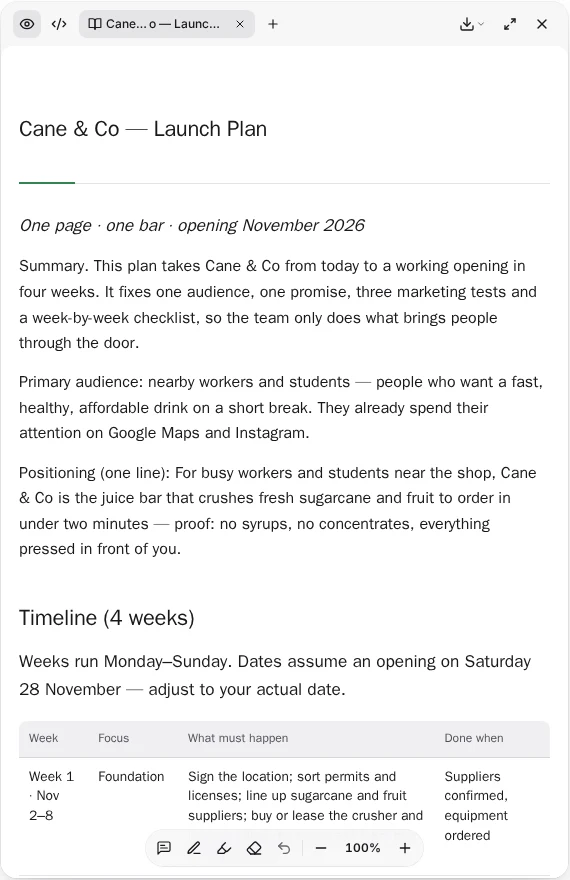
Ask for a plan, a study or a report. The agent researches, writes it in the Canvas beside the chat, and keeps every version. Your team edits the same document.
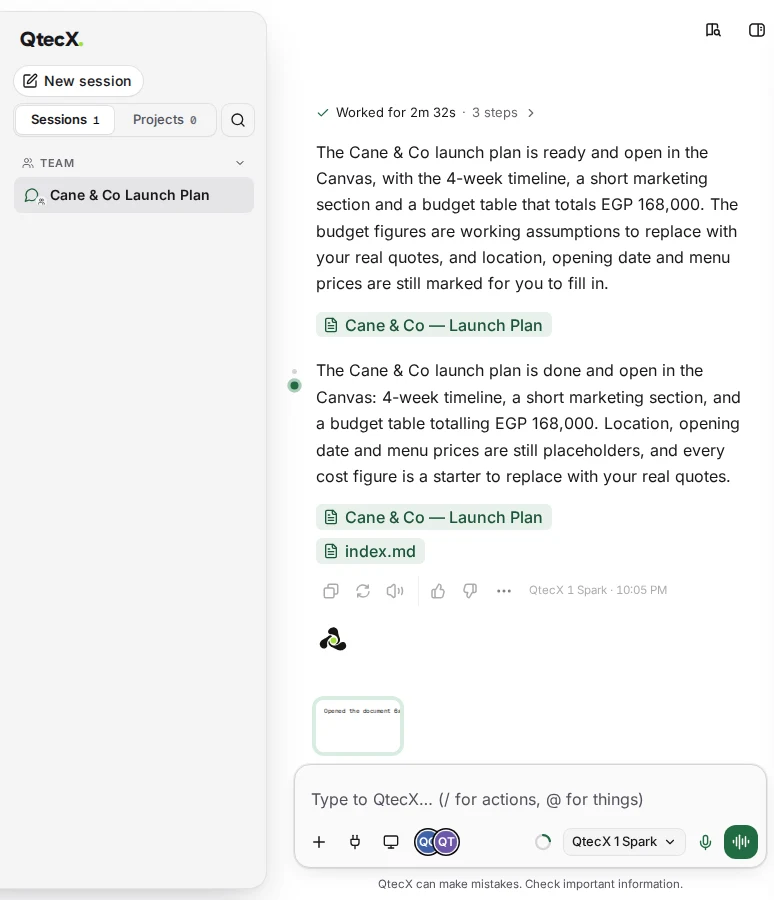
Teams
Your team in the same session
Invite people into a session or a project. Everyone sees the agent work, live, and every message carries its author.
Engine
Describe a game, then play it
The agent builds 2D and 3D games in your own folder and plays them to check they work. Exporting finished builds is coming.
Engine
- EditOpen the game’s scene in the editor inside the app and change it yourself, or ask the agent to.
- PlayRun the game and play-test it in the Play tab. The agent can play it too, to check that what it built actually works.
- Export (coming)Exporting a finished build is being built now. It will prepare the build for the platform you pick and hand you the file.
Desktop app
Code with a live preview
The agent writes and tests code in your own project, and the Sandbox shows the code and the running app side by side.
Desktop app
- My ComputerLink a folder to a session or a project and the agent works there, in place. A new session can also start its own folder under Documents › QtecX Projects.
- Rights for every folderEach linked folder is Read only, Ask or Full. Anything outside your folders needs your explicit approval first.
- A real terminalThe agent uses PowerShell and Git Bash. Git ships inside the app, so version control works from the first minute.
- Code and PreviewThe Sandbox shows your code and the running app side by side, one tab for each folder you open.
Design boardComing
A board for everything you generate
Images and designs with their versions on one endless board, with a prompt box on each item.
Design boardComing
- Versions on the boardEach item keeps its versions where you can see them, so going back is a click.
- Ask on the itemEvery item has its own prompt box. Point at one picture and ask for the change you want.
- A board for each piece of workMake several boards for a session, a team or a project, each with its own name.
One agent, two places to use it
The brain, your memory and your account live on our server. The hands, the files, the terminal, the preview and the game engine, run on your own machine in the desktop app.
| What you can do | Desktop app | Web |
|---|---|---|
| Chat, web search, reading pages and deep research | Yes | Yes |
| Documents with versions: Markdown, PDF, Word and Excel | Yes | Yes |
| Images and voice | Yes | Yes |
| Memory for you and for each project | Yes | Yes |
| Projects and teams, live in one session | Yes | Yes |
| Connectors to your apps, including publishing online | Yes | Yes |
| The agent works in your own folders | Yes | Not on the web |
| Code with a live preview | Yes | Not on the web |
| Make and play games | Yes | Not on the web |
| Sub-agents working in parallel | Yes | Not on the web |
You decide what it may touch
On your computer the agent works only in the folders you link, and each folder has its own rights. Work outside them needs your explicit approval.
- Read onlyThe agent reads and explains. It changes nothing.
- AskThe agent asks before each change and waits for your answer.
- FullThe agent works freely in that folder and shows you every step.
Your work stays yours
You own what you make. The code of a desktop project is kept in an encrypted backup on our server, with the key in our vault by default or only on your devices in private mode. You can turn off the use of your data to improve our models at any time.
Start with one sentence.
Download the desktop app for Windows, or open QtecX in your browser.